Create a Hugging Face Repository
To download Hugging Face content through Nexus Repository, create a Hugging Face proxy repository. See Nexus Repository Management and Repository Types to learn more.
Hugging Face Proxy Repository
Use a proxy repository to download Hugging Face content and centrally cache external dependencies. See Proxy Repositories for more details.
To create a Hugging Face proxy repository, complete the following steps:
Nexus One UI
Navigate to Settings → Repositories.
Select Create Repository.
In the Select Format section, select Hugging Face.
In the Select Type section, select Proxy.
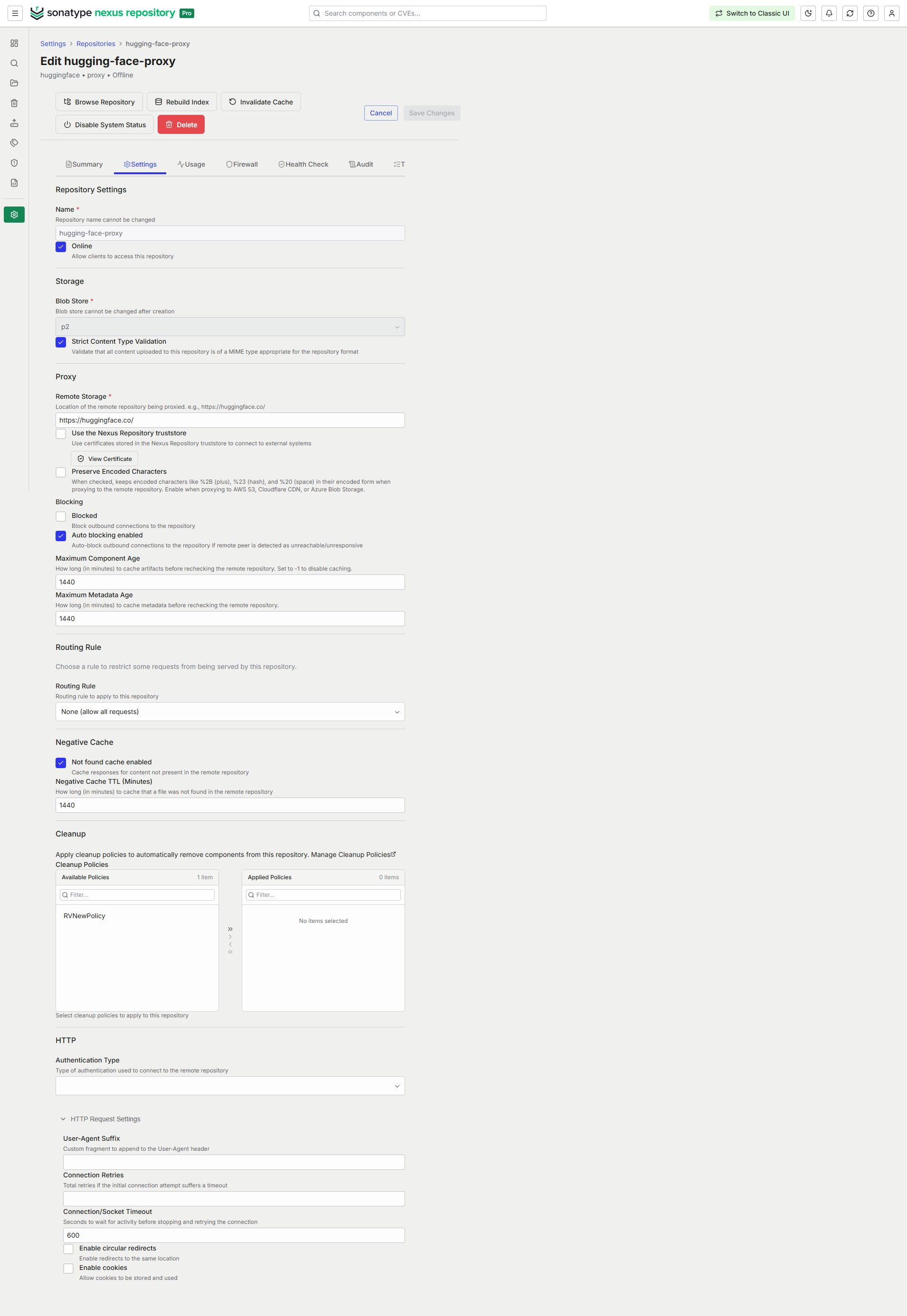
In the configuration form, complete the required fields:
Name, for example huggingface-proxy
Blob Store
Remote Storage, for example https://huggingface.co
To download gated content from Hugging Face Hub, configure HTTP authentication.
In the HTTP section, set Authentication Type to Bearer Token.
In Bearer Token field, enter the access token provided by Hugging Face.
Expand HTTP Request Settings and set Connection/Socket Timeout to
120seconds. Increase this value if network latency or large file sizes require a longer timeout.Complete any additional configuration fields that you want to use for the repository. Available fields vary by repository format and type. See Configurable Repository Fields for more information. Then select Continue.
In the Enable Firewall section, select one of the following options:
Select Skip to leave Repository Firewall disabled.
Select Audit to monitor policy violations and malware.
Select Quarantine to block the download of components.
The firewall options aren't available if your firewall isn't configured. To configure Sonatype Firewall with Nexus Repository, follow the instructions in Nexus Repository 3 Pro Setup.
In the Enable RHC section, turn on Enable Repository Health Check to analyze components for security vulnerabilities and license issues. Leave it disabled if you want to configure it later.
Select Create Repository.
Classic UI
Navigate to Settings → Repository → Repositories.
Select Create repository.
From the list of recipes, select huggingface (proxy).
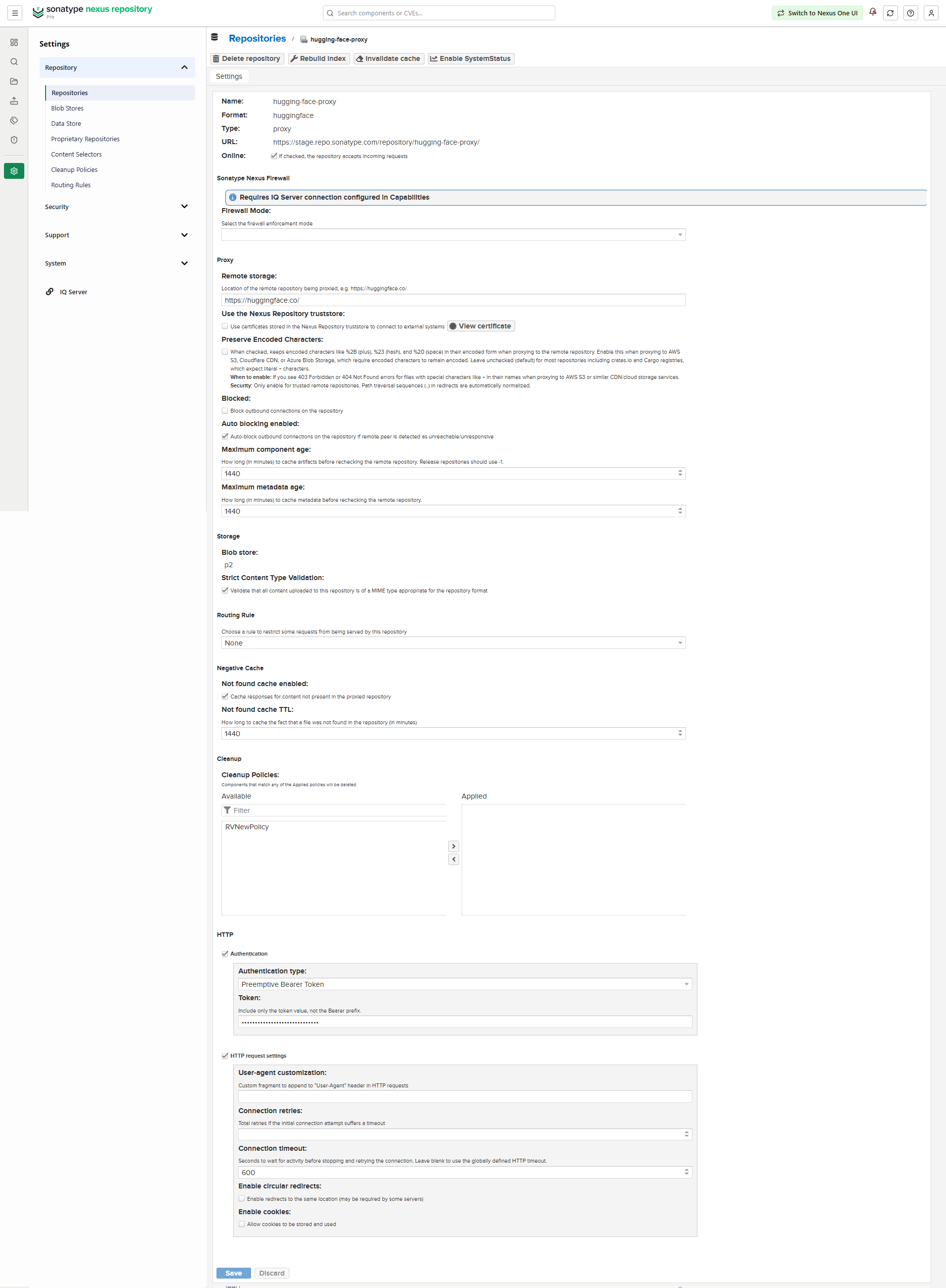
In the form that appears, complete the required fields:
Repository Name, for example huggingface-proxy
Remote storage URL for example https://huggingface.co
Blob store
To download gated content from Hugging Face Hub, select the Authentication checkbox in the HTTP section.
Under Authentication type, select Preemptive Bearer Token.
Enter the access token provided by Hugging Face.
Select the HTTP request settings checkbox and set the Connection timeout to
120seconds. Increase this value if network latency or large file sizes require a longer timeout.Complete any additional configuration fields that you want to use for the repository. Available fields vary by repository format and type. See Configurable Repository Fields for more information.
Select Create repository.
Note
Sonatype recommends using NFS, EFS, or Azure file storage for optimal performance. In testing, AWS S3 and Azure Blob stores exhibited performance issues that can affect download speeds.